Attio — The CRM That Thinks Like a Database
Most CRMs are built for Sales. Attio is built for founders who want a real relational database — with a UI that doesn't require a Salesforce admin.


April 9, 2026 • 5 min read • Alexandre Bergère
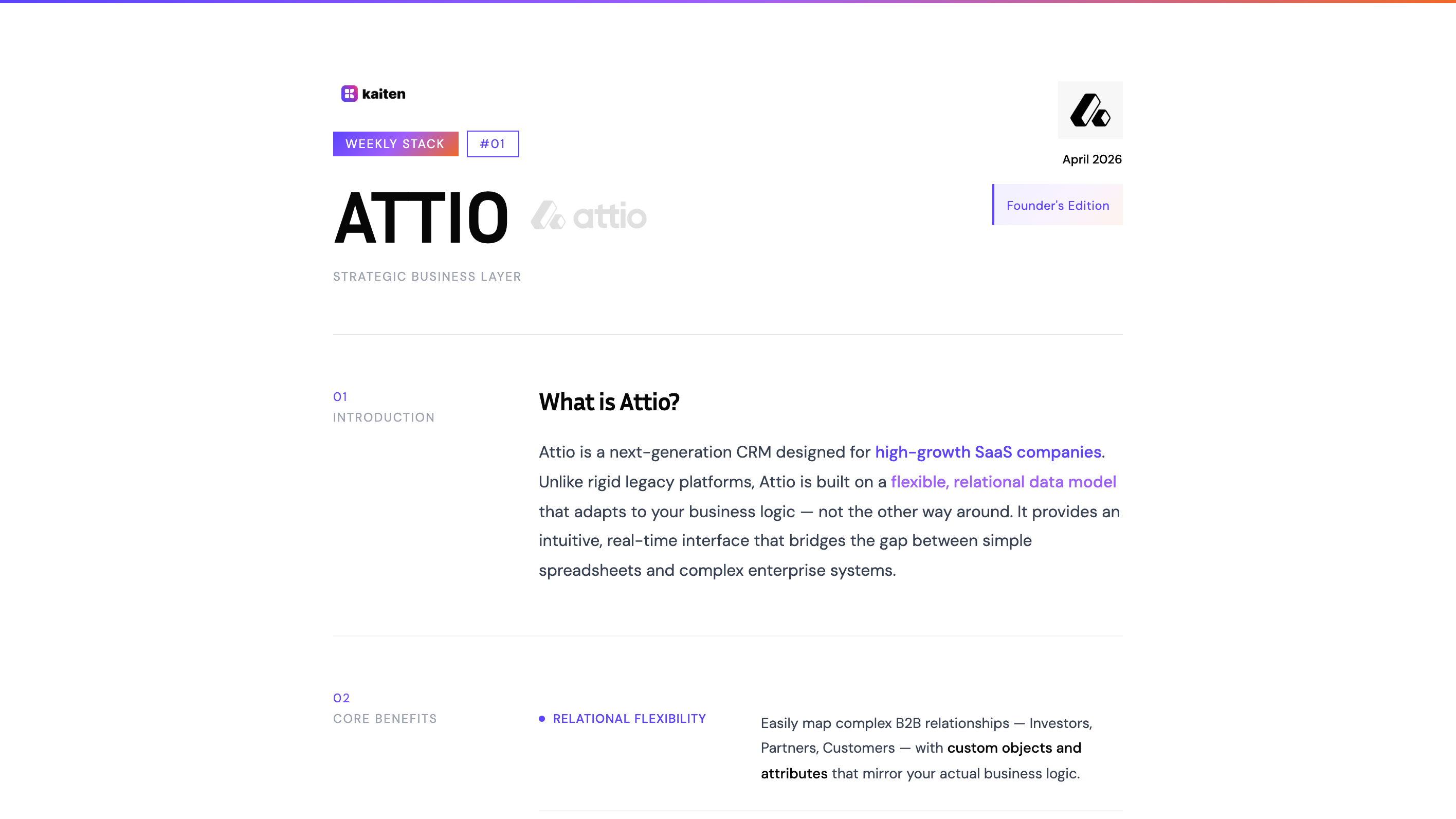
Every week, we break down one tool from the stack that powers Kaiten — what it does, why we picked it, and how it fits into a unified SaaS architecture.
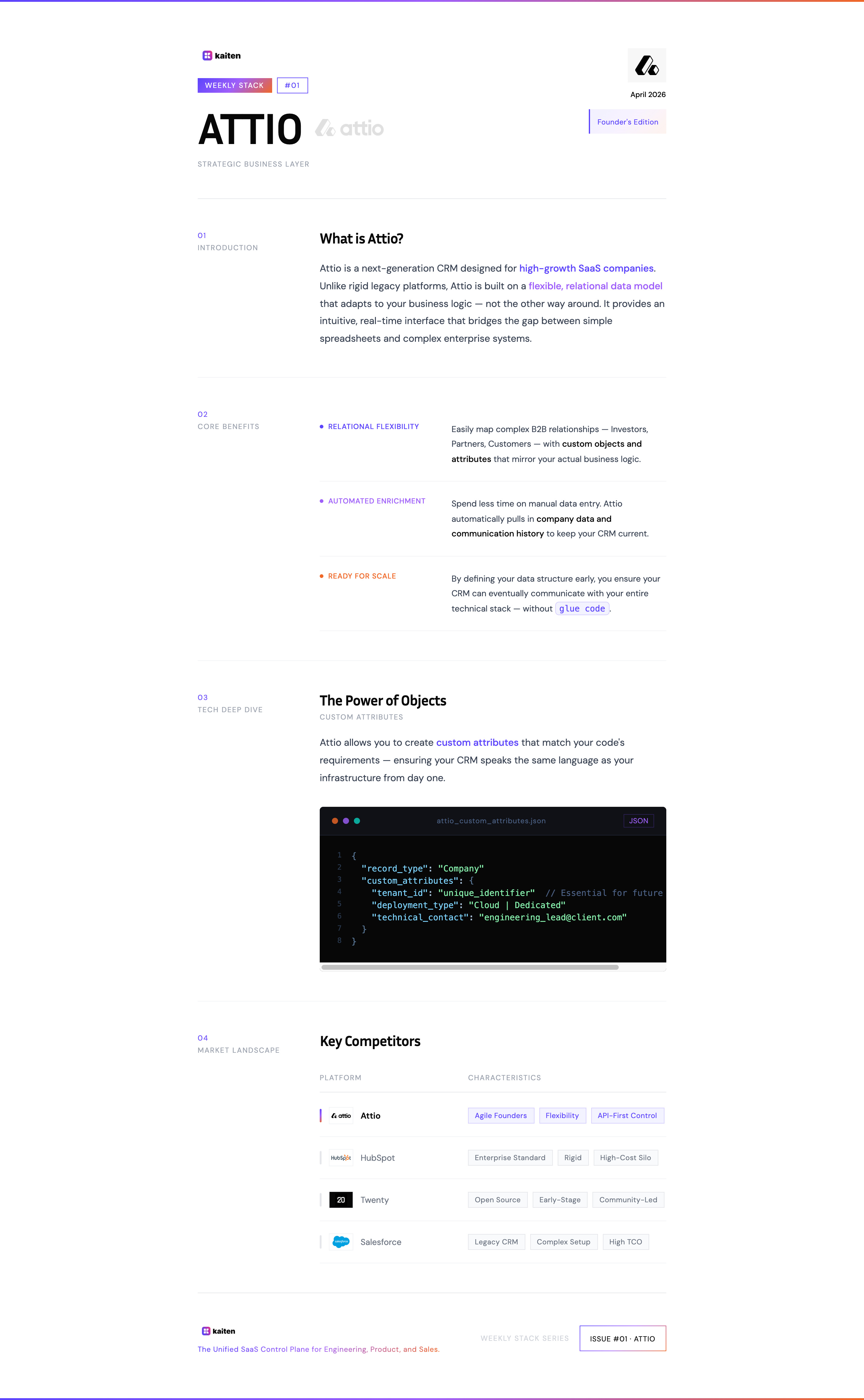
Prefer the printable version? Download the PDF.
What is Attio?
Attio is a next-generation CRM designed for high-growth SaaS companies. Unlike rigid legacy platforms, Attio is built on a flexible, relational data model that adapts to your business logic — not the other way around. It provides an intuitive, real-time interface that bridges the gap between simple spreadsheets and complex enterprise systems.
If you've ever opened HubSpot and felt like you were fighting the tool instead of using it — or if you've ever built a "CRM" in Notion because nothing else fit — Attio is built for you.
Why Attio?
Three capabilities set Attio apart for an early-stage SaaS founder.
Relational Flexibility
Attio lets you map complex B2B relationships — Investors, Partners, Customers — with custom objects and attributes that mirror your actual business logic. You're not forced into a rigid Contact/Deal/Company schema designed for a sales team selling widgets. You define the data model, and the CRM adapts.
This is a bigger deal than it sounds. Most CRMs impose a schema that works for generic B2B sales. But if you're building an infrastructure product, your "customers" have attributes that HubSpot never heard of: deployment type, technical contact, cloud region, cluster ID. In Attio, you add those as custom attributes and they become first-class citizens in your views, filters, and automations.
Automated Enrichment
Spend less time on manual data entry. Attio automatically pulls in company data and communication history to keep your CRM current. For a solo founder or a small team, this is the difference between a CRM that stays up to date and one that becomes a graveyard of stale records within two weeks.
Every founder starts with good intentions: "I'll update the CRM after every call." Nobody does. Attio's enrichment means the baseline data is always fresh, and you only need to add the context that's unique to your relationship with that customer.
Ready for Scale
By defining your data structure early, you ensure your CRM can eventually communicate with your entire technical stack — without glue code. This matters more than most founders realize: the CRM you pick at 10 customers is the CRM you'll be stuck with at 1,000 customers, and migrating CRM data is one of the most painful operations in SaaS.
Attio's API-first architecture means everything you do in the UI, you can do via API. Every record, every attribute, every relationship is accessible programmatically. That's not a nice-to-have — it's the foundation for connecting your CRM to the rest of your stack when the time comes.
The Power of Objects: Custom Attributes
This is where Attio stops being "just a CRM" and starts being infrastructure.
Attio allows you to create custom attributes that match your code's requirements — ensuring your CRM speaks the same language as your infrastructure from day one. Here's an example of what a Company record looks like in our setup:
{
  "record_type": "Company",
  "custom_attributes": {
    "tenant_id": "unique_identifier",
    "deployment_type": "Cloud | Dedicated",
    "technical_contact": "engineering_lead@client.com"
  }
}
Why does this matter? Because these attributes aren't CRM fluff. They're decisions that have downstream consequences:
tenant_idis the unique identifier that every system in your stack will use to reference this customer. Define it early, define it once, propagate it everywhere.deployment_typecaptures a business decision (Cloud vs. Dedicated) that has direct infrastructure implications.technical_contactstores the person who'll receive deployment notifications, incident alerts, and release updates.
Most founders hard-code this information across three or four different systems and spend their first year synchronizing it manually. By making the CRM the origin point for these attributes, you create a single source of truth that everything else can reference.
In a future issue of Weekly Stack, we'll show exactly how these attributes flow from Attio into Kaiten to automatically provision tenants, assign plans, and configure deployment zones — with a single webhook. Stay tuned.
Market Landscape
How does Attio compare to the alternatives?
Attio — Agile Founders, Flexibility, API-First Control. Built for teams that want a CRM they can shape. Best-in-class data model flexibility. The right choice if your CRM needs to eventually talk to your infrastructure.
HubSpot — Enterprise Standard, Rigid, High-Cost Silo. The safe choice for marketing-led organizations. Powerful ecosystem but locked into HubSpot's schema. Overkill and overpriced for a technical founder who doesn't need marketing automation on day one.
Twenty — Open Source, Early-Stage, Community-Led. Promising open-source CRM alternative. Still maturing — worth watching but not yet production-ready if you need webhooks, custom objects, and enrichment today.
Salesforce — Legacy CRM, Complex Setup, High TCO. The incumbent. If you need Salesforce, you already know it — and you already know the cost (financial and operational) of running it. Not the right tool for a team under 50 people.
The Bottom Line
Your CRM is not a contact list. It's the first place where your customer's identity is defined. The attributes you capture there — tenant ID, deployment type, plan tier — are infrastructure inputs disguised as CRM fields.
Pick a CRM that lets you define those attributes your way, that enriches data automatically so it doesn't rot, and that exposes everything via API so you can connect it to the rest of your stack when you're ready.
That's why we chose Attio.
This is Weekly Stack #01. Every week, we break down one tool from the Kaiten stack. Next up: Tally — the front-door for structured input.
Your CRM should talk to your infrastructure
In a future issue, we'll show how Attio connects to Kaiten to turn a CRM record into a provisioned tenant — automatically.
You might also like
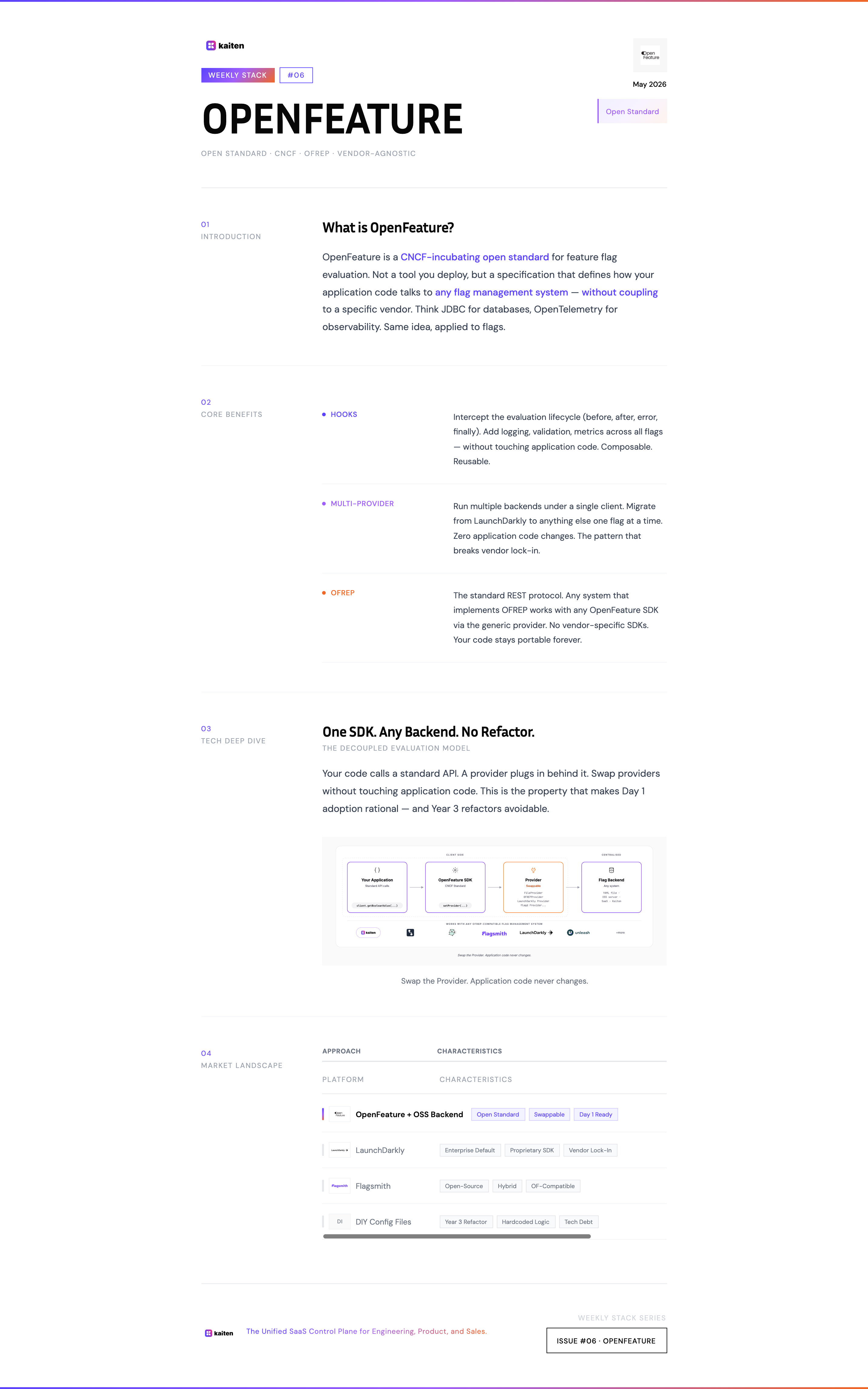
OpenFeature — Stop Building Flag Systems in Year 3. Start on Day 1.
Most teams hardcode their packaging logic for 2-3 years, then spend a quarter refactoring when engineering hits 15 people. OpenFeature is the discipline that makes that refactor unnecessary — adopted on Day 1, it costs nothing. Adopted on Year 3, it's a tax.
May 14, 2026 • 13 min read
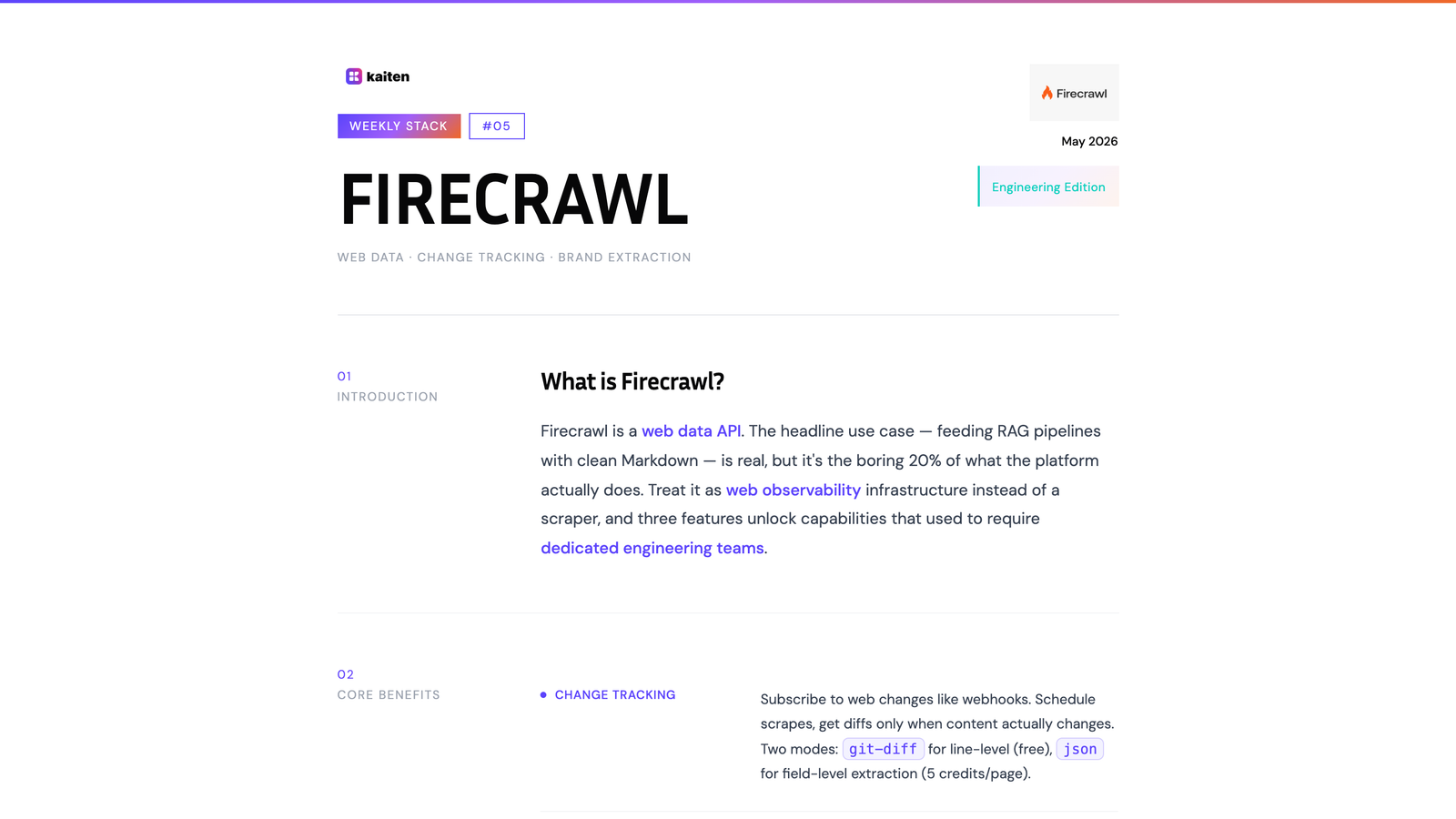
Firecrawl — Stop Treating It Like a Scraper. It's a Web Observability Platform.
Most teams use Firecrawl for one thing: feeding their RAG pipeline. They miss the three features that turn it into something fundamentally different — a continuous observability layer for the public web.
May 7, 2026 • 10 min read
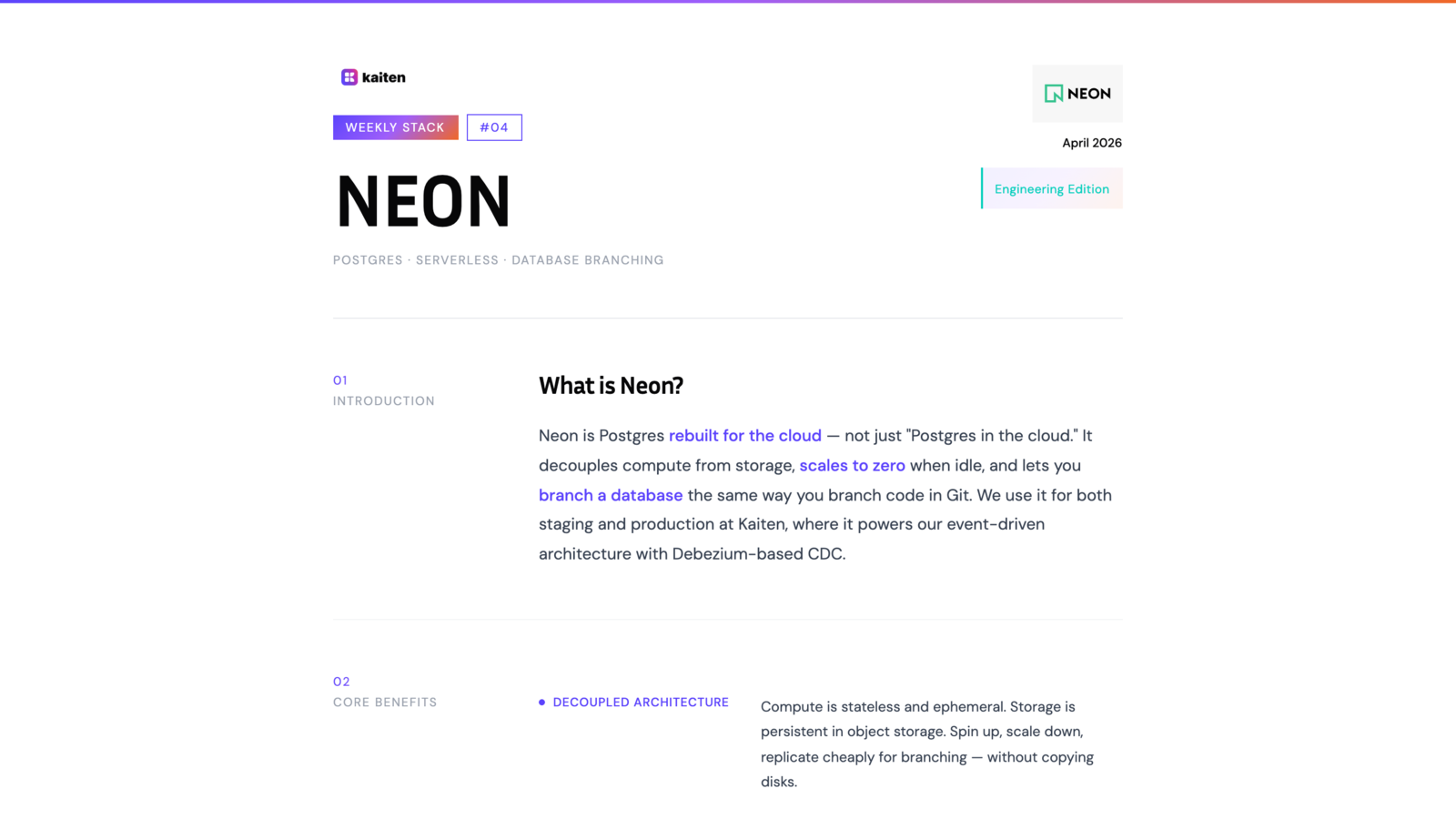
Neon — Postgres Rebuilt for the Cloud (And Why Our Free Tier Burns Out)
Why we use Neon for staging and production at Kaiten — and the brutal honesty about why our free tier burns out before the end of the month thanks to Debezium.
April 30, 2026 • 7 min read