Firecrawl — Stop Treating It Like a Scraper. It's a Web Observability Platform.
Most teams use Firecrawl for one thing: feeding their RAG pipeline. They miss the three features that turn it into something fundamentally different — a continuous observability layer for the public web.


May 7, 2026 • 10 min read • Alexandre Bergère
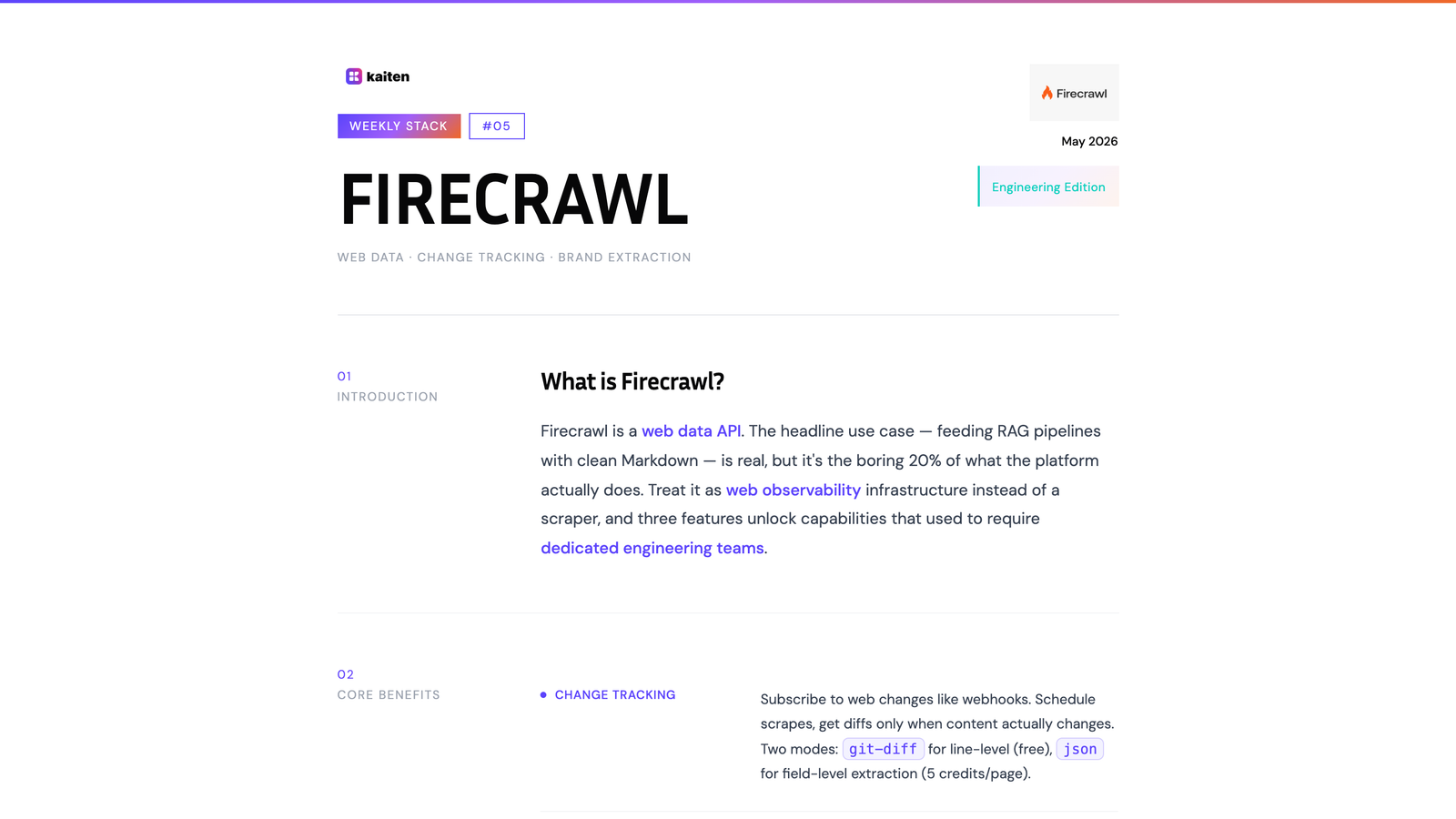
Every week, we break down one tool from the stack that powers Kaiten — what it does, why we picked it, and how it fits into a unified SaaS architecture.
This issue is the Engineering Edition. We're going deep on a tool that most teams use at 20% of its capability.
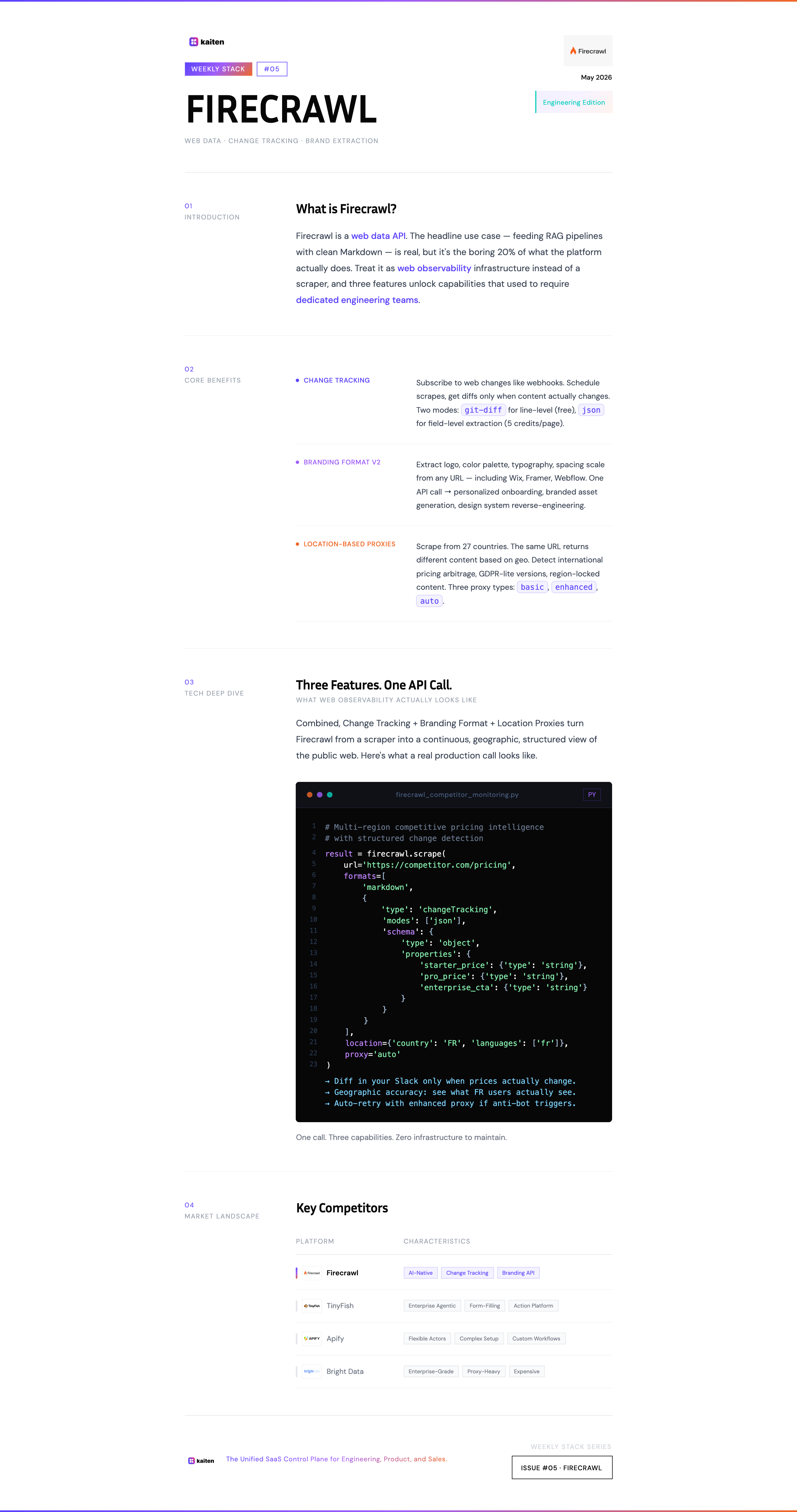
Prefer the printable version? Download the PDF.
What is Firecrawl?
Firecrawl is a web data API. The headline use case — and the one most articles talk about — is feeding RAG pipelines: you point it at a URL or a domain, you get clean Markdown back, you stuff it into your vector database, your AI agent has up-to-date context.
That works. And honestly, it works really well. Firecrawl handles JavaScript-heavy sites, lazy loading, cookie modals, and authentication flows out of the box. It returns clean, well-structured Markdown that's already optimized for LLM consumption — no custom parsing, no DOM manipulation, no Playwright maintenance. For 90% of "I just need to scrape some pages" needs, you make one API call and you're done.
Strong proof point: Firecrawl is the default scraper baked into Lovable, the AI-powered app builder. When you build an app on Lovable that needs web data — competitor trackers, jobs aggregators, lead enrichment tools, brand asset extractors — Firecrawl is the engine under the hood. Lovable even covers the cost via their "Managed by Lovable" tier (free until April 30, 2026). You don't pick something as a default scraper for millions of no-code apps unless it's robust.
So yes — Firecrawl is excellent at the boring, fundamental job: clean URL-to-Markdown conversion at scale.
But limiting your view to that misses what makes Firecrawl genuinely different. The thesis of this issue: Firecrawl is web observability infrastructure, not just a scraper. It's the equivalent of Datadog for the public web — a way to continuously monitor, compare, and react to what's happening outside your own systems.
Three features unlock this transformation. Let's go through them.
Feature 1 — Change Tracking: The Web as a Data Stream
Most scrapers give you a snapshot. Firecrawl's change tracking gives you a stream.
Here's the conceptual shift: instead of asking "what's on this page right now?", you ask "what changed on this page since the last time I looked?" Firecrawl maintains a snapshot for every URL you scrape and compares the new version against the last one — automatically.
The response tells you exactly what happened:
{
  "changeTracking": {
    "previousScrapeAt": "2026-04-15T10:00:00.000Z",
    "changeStatus": "changed",
    "visibility": "visible",
    "diff": {
      "text": "@@ -1,3 +1,3 @@\n # Pricing\n-Starter: $9/mo\n-Pro: $29/mo\n+Starter: $12/mo\n+Pro: $39/mo"
    }
  }
}
There are two diff modes. The git-diff mode gives you line-level changes in a familiar format — perfect for human review or alerting. The json mode is the powerful one: you define a JSON schema, and Firecrawl extracts only the fields you care about, with the previous and current values side by side.
{
  "json": {
    "price": {
      "previous": "$19.99",
      "current": "$24.99"
    },
    "availability": {
      "previous": "In Stock",
      "current": "Out of Stock"
    }
  }
}
Why this is observability, not scraping: you're not just collecting data. You're subscribing to changes. The infrastructure is doing the diffing for you, on persistent snapshots that don't expire.
A few use cases this unlocks:
- Competitive pricing intelligence: schedule a scrape every 6 hours on your competitors' pricing pages. Get alerted only when something actually changes. No more weekly manual checks, no more "wait, did they raise prices last month?"
- Documentation drift detection: monitor third-party APIs you depend on. When their docs change, your integration tests run automatically. You catch breaking changes before your customers do.
- Compliance and policy monitoring: track terms of service, privacy policies, or regulatory pages for vendors you work with. Get a clean diff when language changes — without paying a legal monitoring service $500/month.
The key insight: change tracking turns the public web into something you can subscribe to. Same mental model as a webhook, except the source of truth is a competitor's pricing page or a vendor's docs.
The git-diff mode is free. The json mode costs 5 credits per page. For most monitoring use cases, that's effectively nothing compared to building this pipeline yourself.
Feature 2 — Branding Format v2: The Web as a Design Source
This one is recent — Firecrawl shipped Branding Format v2 in February 2026 — and it's wildly underexploited.
The basic pitch: point Firecrawl at any website, and it returns the brand identity in structured form. Not just the logo URL, but the color palette, typography, spacing scale, and UI component styles. All extracted, all parsed, all ready to use.
result = firecrawl.scrape(
    url='https://acme-corp.com',
    formats=['branding']
)

# Returns:
# - logo (URL, with edge cases handled: background images,
#         Wix/Framer-generated HTML, non-semantic structures)
# - colors (primary, secondary, accent, full palette)
# - typography (font families, sizes, weights)
# - spacing (the design system's scale)
# - components (button styles, card styles, etc.)
What makes v2 worth talking about specifically: it works on modern site builders. Firecrawl can now reliably extract logos and brand assets from Wix, Framer, Webflow, and similar drag-and-drop platforms. Anyone who's tried to scrape brand data from these knows that's a hard problem solved.
Why this matters for SaaS: the use case nobody mentions is personalized onboarding. When a B2B prospect signs up for your product, you have their email domain. One Firecrawl call, and you have their logo, colors, and fonts. You can render their first dashboard, their first demo environment, their first proposal — already on-brand. Instead of spending 20 minutes manually grabbing assets, your onboarding flow does it automatically.
This is the kind of polish that separates "another generic SaaS demo" from "this product was built for us." And it's now an API call.
Other use cases: branded asset generation (presentations matching a customer's identity), competitive brand monitoring (track when a competitor rebrands), and design system reverse-engineering (extract the design tokens from a site you admire).
Feature 3 — Location-Based Proxies: The Web as a Geographic Surface
The third feature is the least sexy and the most important when things break.
Firecrawl's proxies let you specify the country from which a scrape originates. By default, requests go through US proxies. But you can pass a location.country parameter and route through any of 27 supported countries — France, Brazil, Japan, India, Singapore, the UAE, and more.
doc = firecrawl.scrape('https://target-site.com',
    formats=['markdown'],
    location={
        'country': 'FR',
        'languages': ['fr']
    }
)
Why this matters: the web is geographic. The same URL returns different content based on where the request comes from. Pricing pages localize. Product availability changes. Some sites block entire continents. Some show GDPR-compliant lighter versions in the EU. Some redirect non-US traffic to "lite" mobile versions.
If you're scraping for competitive intelligence, this is the difference between "what does my competitor show in the US?" and "what do they actually show worldwide?" Two very different answers.
There are also three proxy types to know about:
- basic: fast, works on most sites. The default.
- enhanced: slower, more reliable for complex anti-bot setups. Costs more credits.
- auto: tries basic first, retries with enhanced only if it fails. Bills 5 credits only on the retry. Best of both worlds.
The auto mode is the right default for production pipelines. You don't pay the enhanced premium unless you actually need it.
How These Three Features Compound
The point of this article isn't "Firecrawl has nice features." Every API has nice features.
The point is that change tracking + branding extraction + geographic proxies, combined, give you something nobody talks about: a continuous, geographic, structured view of what's happening on the public web. That's not a scraper. That's an observability platform for an environment your own monitoring tools can't see.
Concrete combination examples:
- Multi-region competitive intelligence: track a competitor's pricing in 5 countries, on a schedule, with diffs. Detect international pricing arbitrage in real time.
- Auto-onboarding with brand monitoring: extract a customer's brand on signup (Branding Format), then re-extract every quarter to detect rebrands, and update their workspace theme automatically.
- Compliance observability: monitor vendor T&Cs across jurisdictions (EU vs US versions), with structured diffs in JSON mode for legal review.
Each of these would be a 4-week build with traditional scraping. With Firecrawl, it's three API parameters.
How We Use Firecrawl at Kaiten
We use Firecrawl in two contexts:
Internal market intelligence: change tracking on the pricing pages and feature comparison pages of the SaaS Lifecycle Management category. We get diffs in our internal Slack when LaunchDarkly, Stigg, or Schematic update their pricing or messaging. That informs our own positioning and roadmap conversations.
Customer onboarding research: when a new prospect comes in, we run a Firecrawl scrape on their public site. Branding Format gives us the visual identity. Markdown extraction gives us product context (what they sell, who they sell to, language they use). Sales conversations start informed instead of from zero.
The credit cost for both is negligible — under $20/month. The time saved is measurable in hours per week.
Market Landscape
How does Firecrawl compare to the alternatives?
Firecrawl — API-first, AI-ready (Markdown native), change tracking, branding extraction, location proxies. The right choice for SaaS teams that need scraping as infrastructure, not as a one-off. Default scraper inside Lovable.
TinyFish — Enterprise agentic infrastructure for web operations. Goes beyond scraping: navigates authenticated portals, fills forms, transacts on the user's behalf. Used by Google, Amazon, DoorDash for things like cross-portal price tracking and prior authorization status monitoring. Different category — closer to "web action platform" than "web data API." More expensive, more powerful, harder to justify if you just need clean Markdown.
Apify — More flexible (you can build custom actors), but more complex. Closer to a scraping platform than an opinionated API. Better for highly custom workflows; overkill for "give me clean data."
Browserless / Browserbase — Headless browser-as-a-service. Lower-level than Firecrawl. You build the scraping logic yourself. Right choice if you need full browser control; wrong choice if you want structured output out of the box.
ScrapingBee / Bright Data — Mature, expensive, enterprise-grade. Strong on proxy infrastructure (Bright Data especially). Less developer-friendly DX, no native Markdown extraction, no built-in change tracking.
DIY (Playwright + custom code) — The path most engineers take first. Works for one site. Stops working when you scale to 50, change-track, handle anti-bot, manage proxies, and parse structured output. The maintenance cost compounds fast.
The Bottom Line
The mental shift is the whole article: stop treating Firecrawl as a "URL → Markdown" function. Start treating it as a continuous observability layer for the public web.
Change tracking turns scraping into subscriptions. Branding Format turns visual identity into an API call. Location proxies turn the global web into a queryable surface. Combined, you get capabilities that would have required a dedicated team of three engineers in 2022.
The features aren't hidden — they're in the docs. They're just not on the homepage, and most teams don't make the leap from "scraper" to "platform" in their head.
Make the leap. Your stack will thank you.
This is Weekly Stack #05. Every week, we break down one tool from the Kaiten stack. Previously: Neon — Postgres rebuilt for the cloud (and the free tier trap nobody talks about).
Pick tools that compound — not tools that just work
Every week, we document one tool from a real SaaS stack. The features the docs don't put on the homepage. The use cases that change how you build.
You might also like
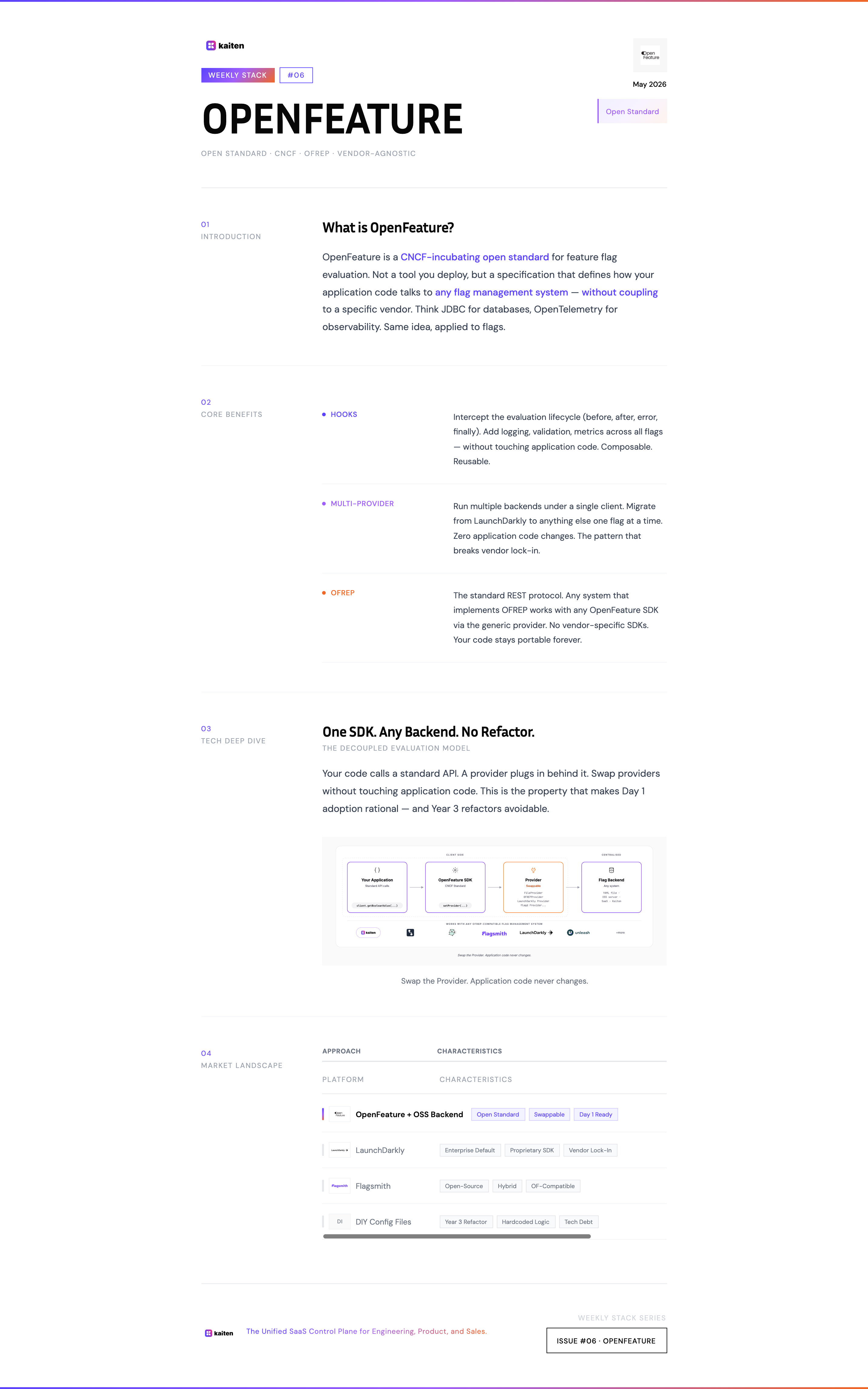
OpenFeature — Stop Building Flag Systems in Year 3. Start on Day 1.
Most teams hardcode their packaging logic for 2-3 years, then spend a quarter refactoring when engineering hits 15 people. OpenFeature is the discipline that makes that refactor unnecessary — adopted on Day 1, it costs nothing. Adopted on Year 3, it's a tax.
May 14, 2026 • 13 min read
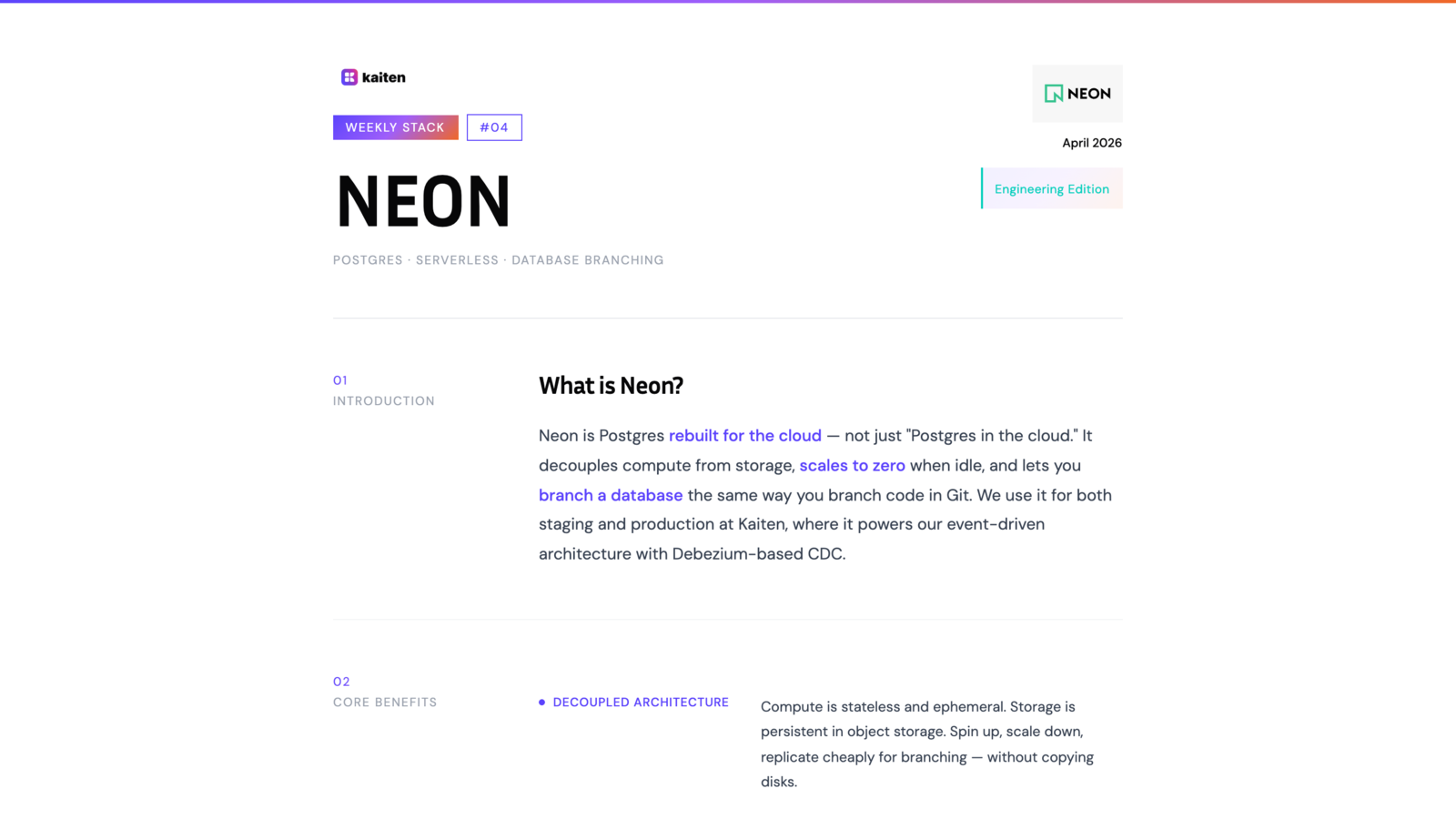
Neon — Postgres Rebuilt for the Cloud (And Why Our Free Tier Burns Out)
Why we use Neon for staging and production at Kaiten — and the brutal honesty about why our free tier burns out before the end of the month thanks to Debezium.
April 30, 2026 • 7 min read
Dub.co & Ngrok — The Two Utilities That Make Your Work Visible
A special double-edition Weekly Stack covering two small tools that punch way above their weight: Dub.co for tracking every link you share, and Ngrok for exposing your local server to the world.
April 23, 2026 • 9 min read